
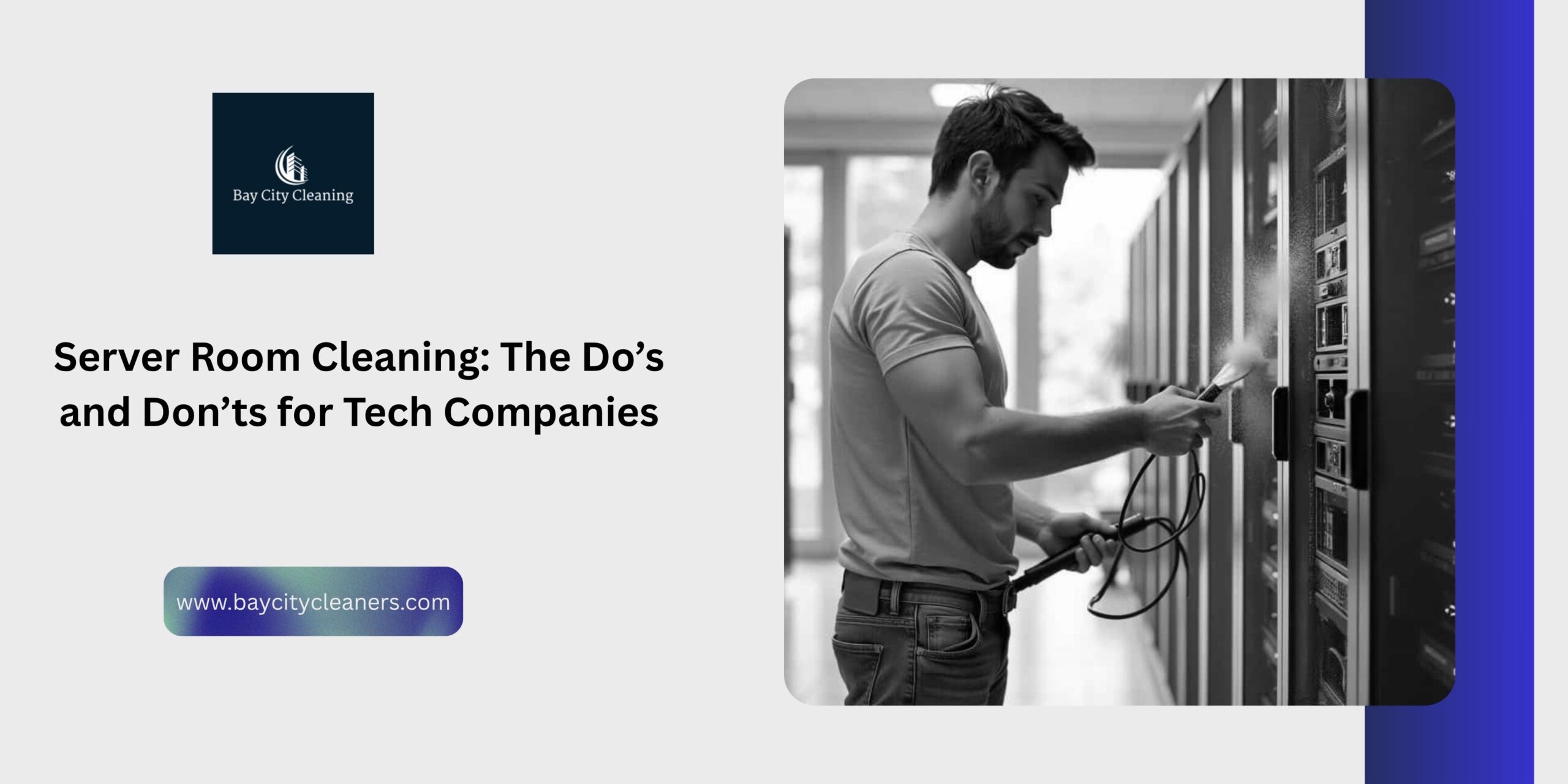
Your server room is basically the brain of your whole operation. If it overheats or goes down, everyone stops working. It is that simple. But here is the thing—most companies in Sunnyvale treat the server closet like just another storage room. They let dust pile up until the fans are screaming.
Cleaning a room full of expensive electronics isn’t the same as cleaning a break room. One wrong move with a wet mop or a vacuum cord, and you could crash the whole network. If you are hiring Commercial Cleaning Services in Sunnyvale, you need to make sure they actually know the rules.
Here is the cheat sheet on how to keep your data safe while keeping the dust out.
The Big Don’ts (Please Read This First)
1. Don’t Use Water. Ever. This sounds obvious, but you’d be surprised. Standard mopping is a huge no-no. Water and electricity do not mix. If a cleaner comes in with a bucket of soapy water, stop them immediately. You need specialized chemicals and damp-mop techniques that dry instantly.
2. Don’t Plug Vacuums into Server Outlets Server racks usually have specific power loads. If a janitor plugs a heavy-duty industrial vacuum into the same power strip as your main server, they could trip the breaker. Boom, power outage. A pro team knows to use the “convenience outlets” on the wall, not the rack power.
3. Don’t Touch the Cables A messy cable management system is a nightmare to clean, but moving them is worse. Tugging on a fiber optic cable just to get a dust bunny can disconnect a whole department.
The Do’s (How to Do It Right)
1. Do Use HEPA Filters Dust is the enemy. It gets sucked into the server fans and coats the components, making them run hot. But if you use a cheap vacuum, it just blows the dust back into the air. You need vacuums with HEPA filters that actually trap the particles. When we provide Janitorial Services in Sunnyvale, we use high-end gear that captures dust, not just moves it around.
2. Do Clean Under the Floor If you have a raised floor system, the space underneath (the plenum) is probably full of junk. Dust, old cable ties, and debris settle there. The cooling air comes from below, so if that space is dirty, you are literally blowing dirt into your servers.
3. Do Hire Vetted Pros Your server room has your most important data. You can’t just let random people walk in there. You need a team that is background-checked and insured. At Bay City Cleaners, we vet our staff so you don’t have to worry about security breaches.
If you are looking for reliable Commercial Cleaning Services in Sunnyvale that won’t accidentally unplug your company, give Bay City Cleaners a shout. We know tech, and we know how to keep it clean without causing a disaster.


Comments are closed